
Let’s be honest: sticking to a budget often feels like trying to hold water in your hands. You think you’ve got control, but then a surprise dinner out, a birthday gift, or a late-night online shopping spree drips through the cracks. In the age of apps for everything, budgeting apps promise to be the cup that keeps all that water from spilling. But do they really? Enter EveryDollar, a budgeting app created by Dave Ramsey’s team, which has gained attention for its simplicity and promise of zero-based budgeting.
EveryDollar claims to give you more than just numbers on a screen. It aims to help you take charge of your spending by assigning every dollar you earn to a specific purpose. On paper, it appears to be financial peace. But as with anything, the gap between theory and practice can be vast. Does this app actually make it easier to stick with your plan, or does it just become another digital tool that you download with enthusiasm and abandon two weeks later?
In this review, we’ll dive deep into how EveryDollar works, what it does well, where it falls short, and whether it’s worth investing your time (and maybe your money). Think of this as your guided tour through the app’s features, quirks, and hidden surprises, so you can decide if it really has what it takes to keep you accountable and on track.
What is EveryDollar?
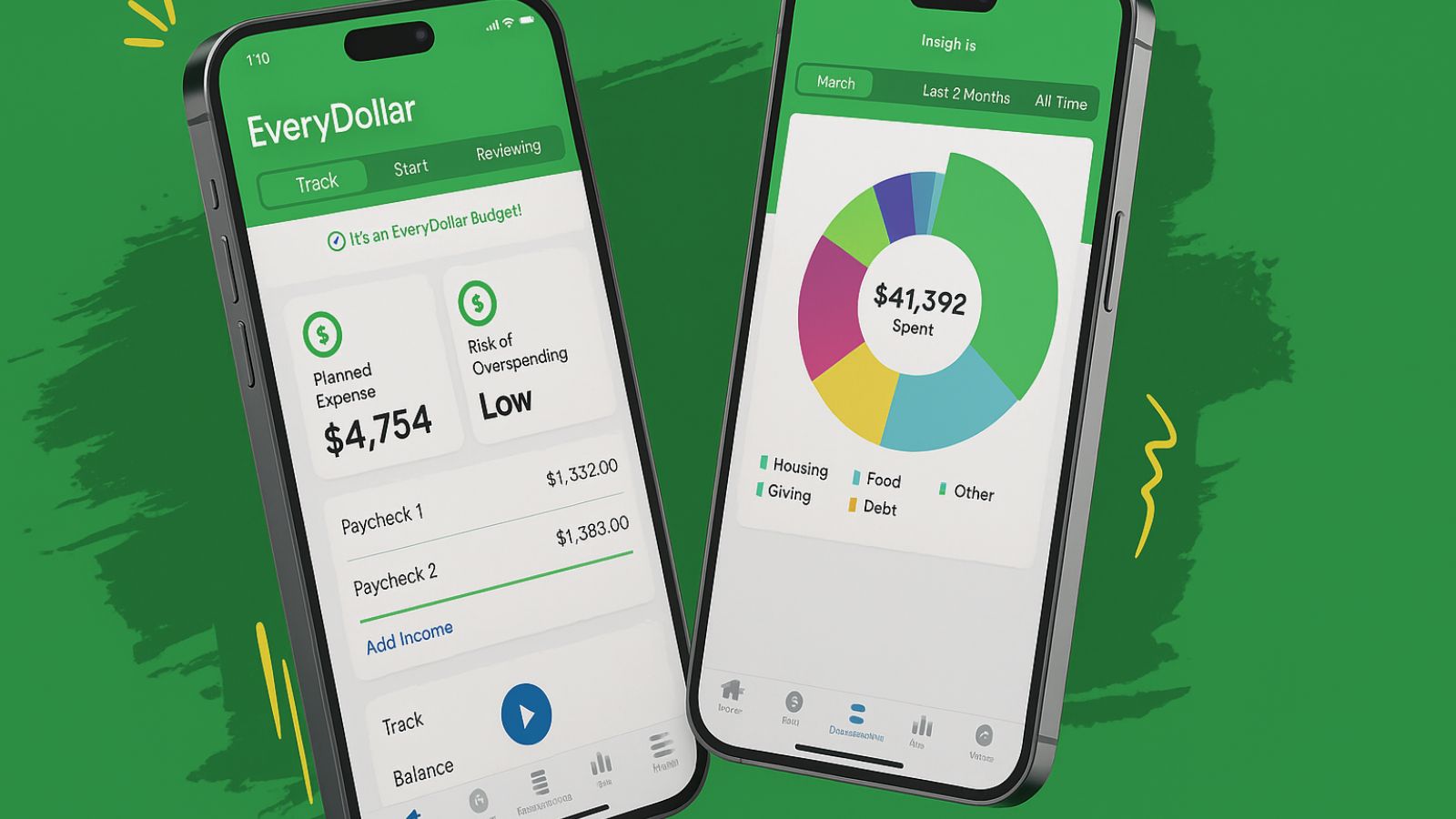
EveryDollar is built around the concept of zero-based budgeting, a method where every dollar you earn is assigned a specific purpose—whether that’s rent, groceries, savings, or paying down debt. The concept itself isn’t new, but the app takes the old envelope method your grandparents may have used and places it into a modern, smartphone-friendly format.
When you open the app, a clean layout greets you, featuring categories such as housing, transportation, food, and personal spending. It isn’t cluttered with graphs or complicated analytics. Instead, the focus is on clarity: where your money is going and how much you have left to allocate. This straightforward design appeals to individuals who prefer not to spend hours analyzing financial charts but still value order in their spending.
One thing that makes EveryDollar stand out is its alignment with Dave Ramsey’s Baby Steps, a series of financial milestones that include building an emergency fund, paying off debt, and investing for the future. If you’re a follower of Ramsey’s philosophy, the app almost feels like an extension of his books and radio show. Even if you’re not, the zero-based approach is intuitive and surprisingly satisfying once you see everything balanced out.
Ease of Use and Design
Opening the EveryDollar app feels refreshingly simple. Many financial tools try to impress you with colorful dashboards and complex widgets, but this one doesn’t bother with flash. Instead, the app guides you step by step, asking for your income and helping you categorize it. It’s almost like having a digital budget buddy sitting next to you, nudging you to stay on track.
Adding expenses is straightforward. You can enter purchases manually and drag them into the correct category. For example, if you stopped at Target and spent $45 on household supplies, you can quickly plug it in under “Household.” It takes only a few taps, and the design makes it easy to see how that expense fits into your bigger financial picture.
The design does have its limits, though. If you’re someone who loves colorful graphs, pie charts, and trend analysis, you might find EveryDollar a little too plain. The focus here isn’t on wowing you with visuals, but on keeping you engaged with the nuts and bolts of budgeting. For some, that’s a breath of fresh air. For others, it might feel bare-bones.
Free vs. Paid Version
EveryDollar offers two tiers: a free version and a premium version, which costs approximately $79.99 per year. The free option provides all the basics: you can create budgets, assign expenses, and track your spending. It’s perfectly serviceable if you don’t mind entering transactions manually.
The premium version, on the other hand, connects directly with your bank accounts, automatically importing your transactions. This saves time and reduces the chance of forgetting to log a purchase. For busy people who swipe their debit card multiple times a day, this feature can be a lifesaver. It also adds extras like priority support and more advanced tracking tools.
The question is whether the premium version is worth it. If you’re disciplined and don’t mind spending a few minutes each day logging transactions, the free plan will cover your needs. However, if you’ve tried budgeting before and quit due to the hassle of keeping up with it, the bank-syncing feature may make all the difference. Think of it as paying for convenience, like upgrading to express shipping when you can’t wait.
Strengths of EveryDollar
One of the biggest strengths of EveryDollar is its straightforward philosophy. Zero-based budgeting is a proven method that compels you to consider where each dollar is allocated. Instead of letting money slip through your fingers, you assign it ahead of time. This structure can be a game-changer, especially for people who feel like their spending is out of control.
The app also shines in its simplicity. It doesn’t bombard you with features you’ll never use or charts you don’t understand. This is especially helpful for those new to budgeting, who might feel intimidated by more complex financial tools. With EveryDollar, you don’t need a degree in finance to start managing your money better.
Finally, the app integrates seamlessly with Ramsey’s broader philosophy. If you’re already using his Baby Steps, EveryDollar becomes more than just an app—it becomes part of a larger financial lifestyle. This can create a sense of consistency and motivation, as the app reinforces the lessons you’re hearing in his books and podcasts.
Weaknesses of EveryDollar
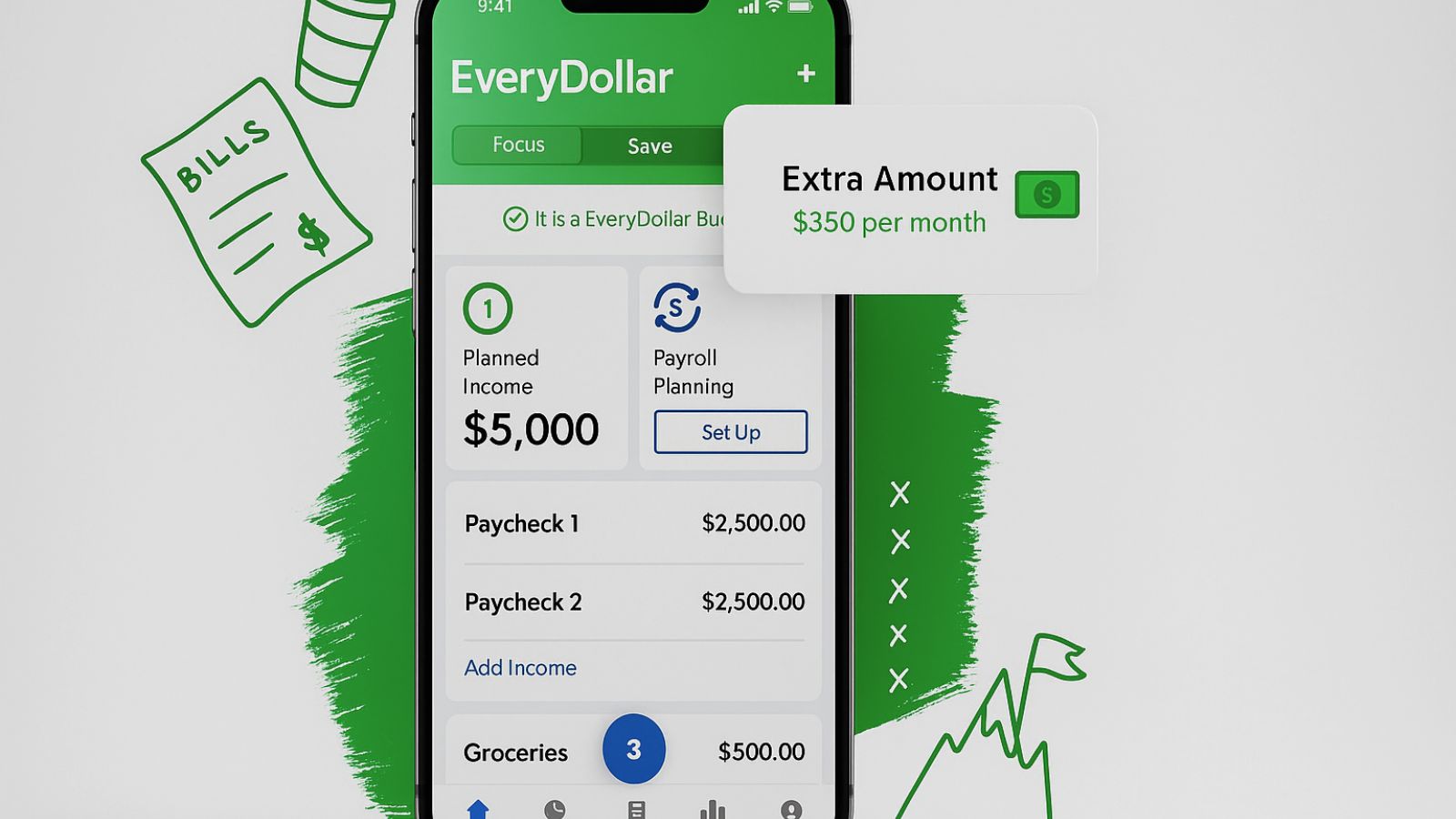
EveryDollar isn’t perfect, and the first drawback most people notice is the lack of automatic bank syncing in the free version. Logging expenses by hand can become tedious, especially if you make several transactions a day. Over time, this extra effort can lead to burnout and ultimately result in the abandonment of the app.
Another shortcoming is the lack of detailed reporting. While some users will appreciate the clean simplicity, others may feel like they’re missing deeper insights into their financial habits. Apps like Mint or YNAB (You Need a Budget) offer colorful charts, historical data, and forecasting, while EveryDollar keeps things bare. That simplicity is both its strength and its weakness, depending on your personality.
Lastly, the annual subscription fee for the premium version can be a hurdle. At nearly $80 a year, it costs more than some competitors that offer similar features. While it may be worth it for convenience, those looking for a budget-friendly budgeting tool might feel the price tag contradicts the purpose of saving money in the first place.
Who Should Use EveryDollar?
EveryDollar works best for people who crave structure but don’t want to get bogged down in details. If you’re someone who needs clear boundaries and enjoys the satisfaction of seeing your budget balance to zero, this app could fit like a glove. It’s particularly appealing if you’re following Dave Ramsey’s Baby Steps, since the philosophy and the app align seamlessly.
Families may also find it helpful. Because the categories are easy to set up and understand, spouses or partners can work together on a shared budget without confusion. Instead of arguing about where the money went, you can both see it in black and white. This transparency can help alleviate financial tension and keep everyone on the same page.
However, if you’re a data junkie who loves tracking trends, analyzing spending habits over time, or tweaking categories down to the penny, you may find EveryDollar limiting. In that case, a more advanced tool like YNAB or PocketGuard might better suit your needs.
Final Verdict
So, does EveryDollar really keep you on budget? The answer depends on your personality and financial habits. For those who thrive on structure and simplicity, EveryDollar provides a refreshing, no-frills approach to getting your finances in order. It gives clarity without overwhelming you, and the zero-based budgeting method it promotes has proven to be a reliable approach over time.
That said, the app isn’t for everyone. If manual entry feels like a chore, you’ll either need to invest in the premium version or risk abandoning the app after the initial burst of enthusiasm. And if you love analyzing charts and projections, you may find it too basic for your needs.
In the end, EveryDollar is like a dependable notebook for your money. It won’t dazzle you with bells and whistles, but it will give you a clear picture of your finances and help you stick to a plan—if you’re willing to put in a little effort. If that sounds like what you’re looking for, this app might be the budgeting partner you’ve been waiting for.